Selecting the OS
This section explains how to do an initial setup, for an off-the-shelf Raspberry Pi. To get started, the following things are needed.- Raspberry Pi Board (In this example we use Raspberry Pi Model 3B+).
- An SD Card (of size 64GB)
- An adapter for power supply (with at least 15W of power)
- ByteBeam RPI image
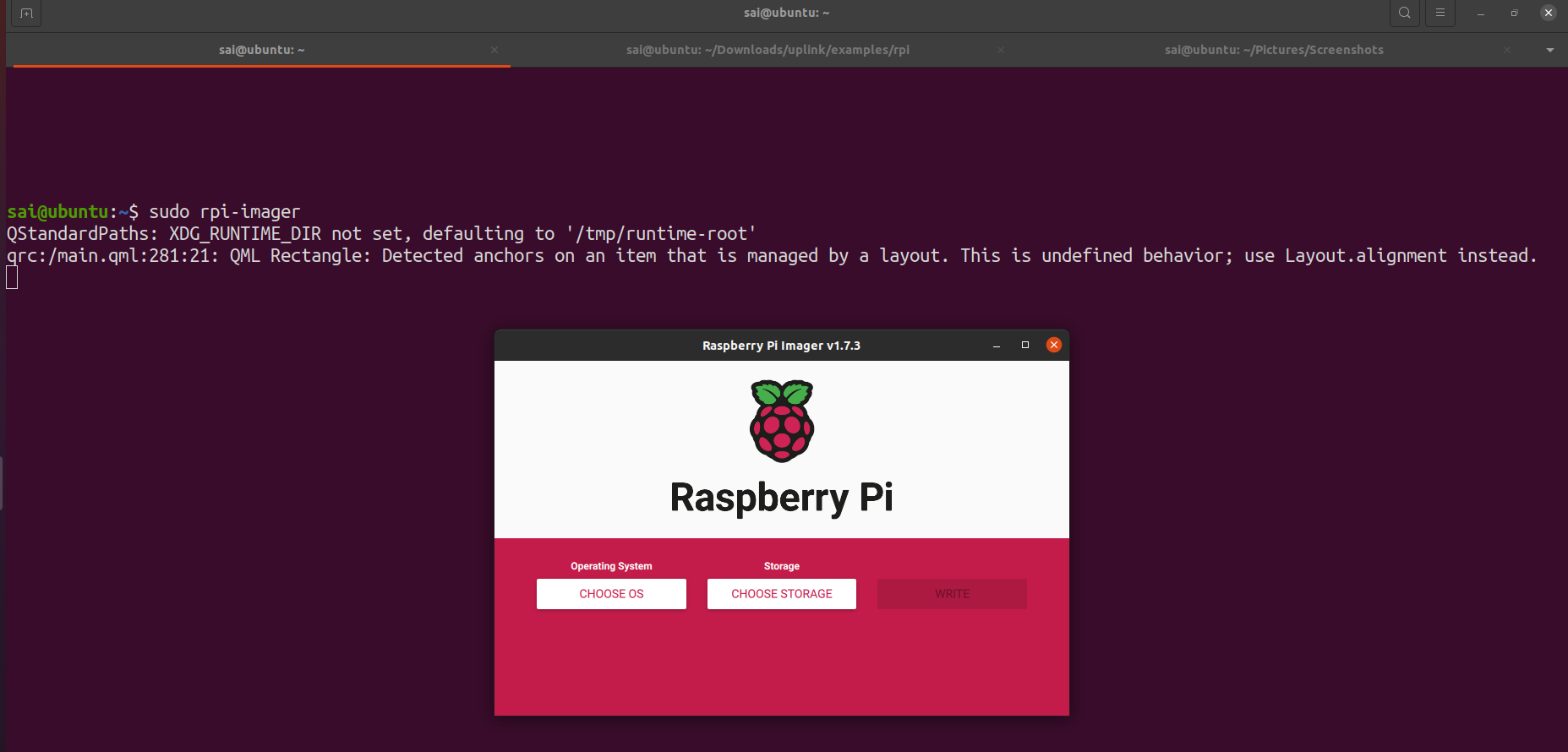
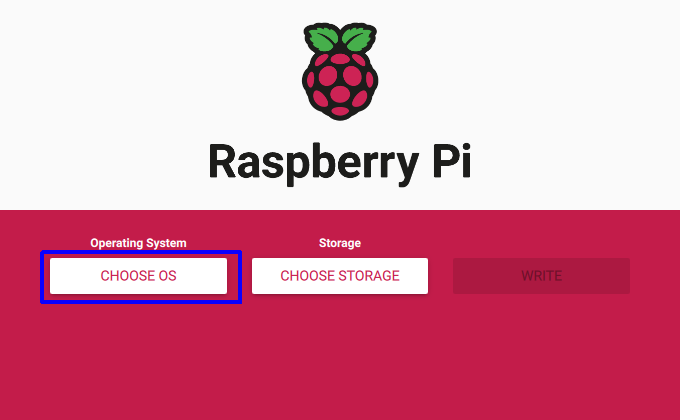
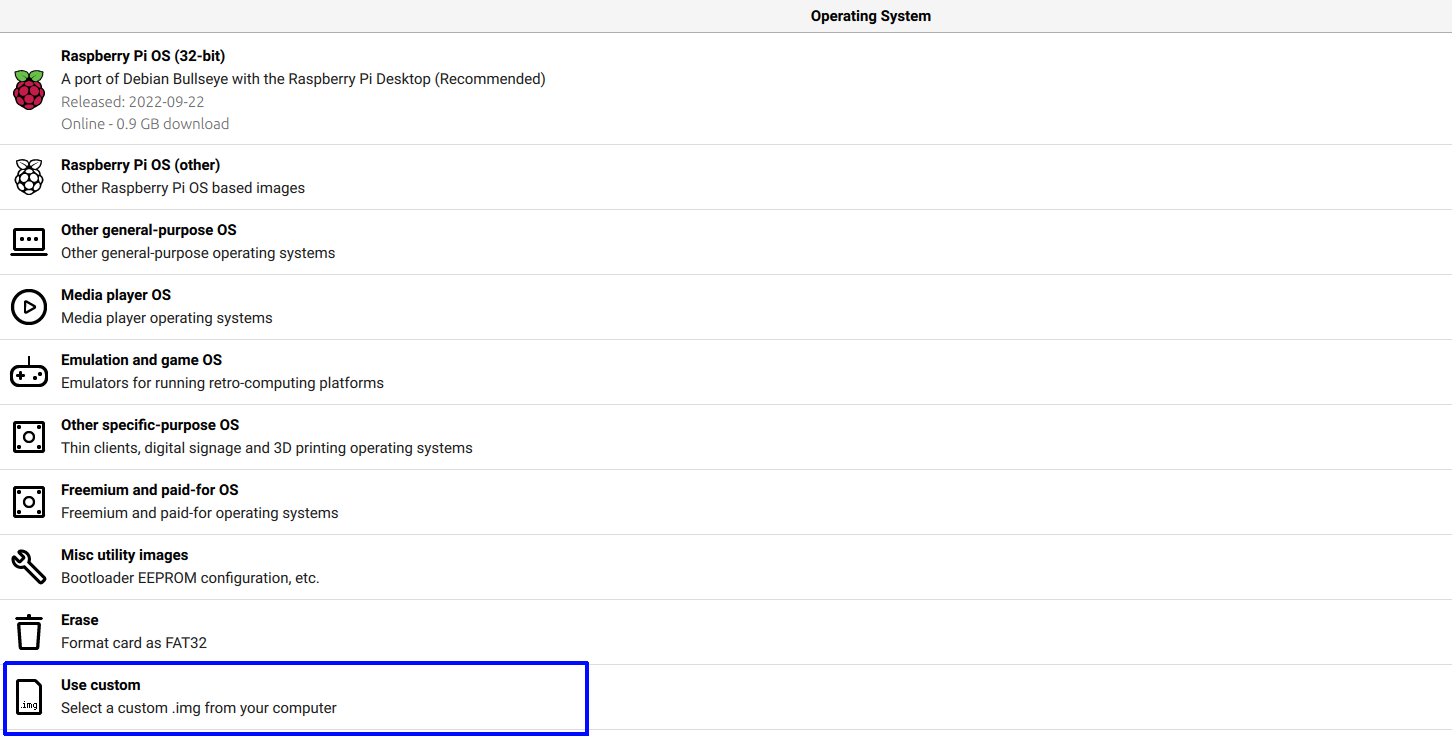
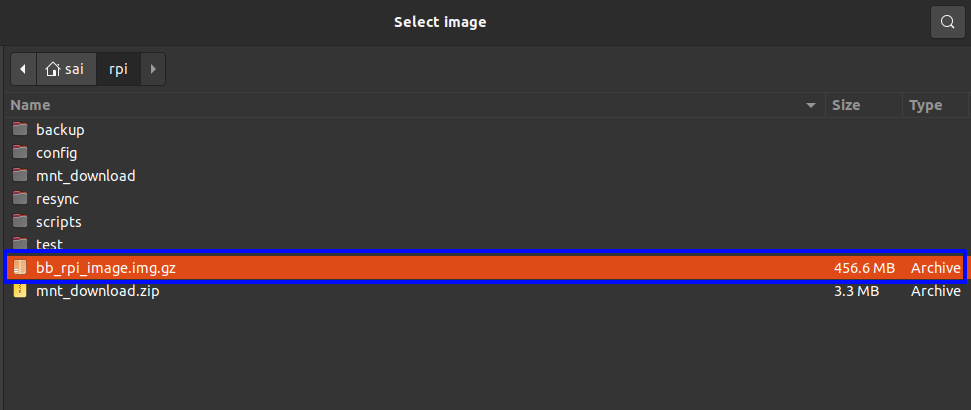
Flashing the image to the SD Card
Using RPI-imager, it’s possible to enable SSH, set a username and password for the Pi, and also input the WiFi credentials. Click on the settings icon on the rpi-imager GUI.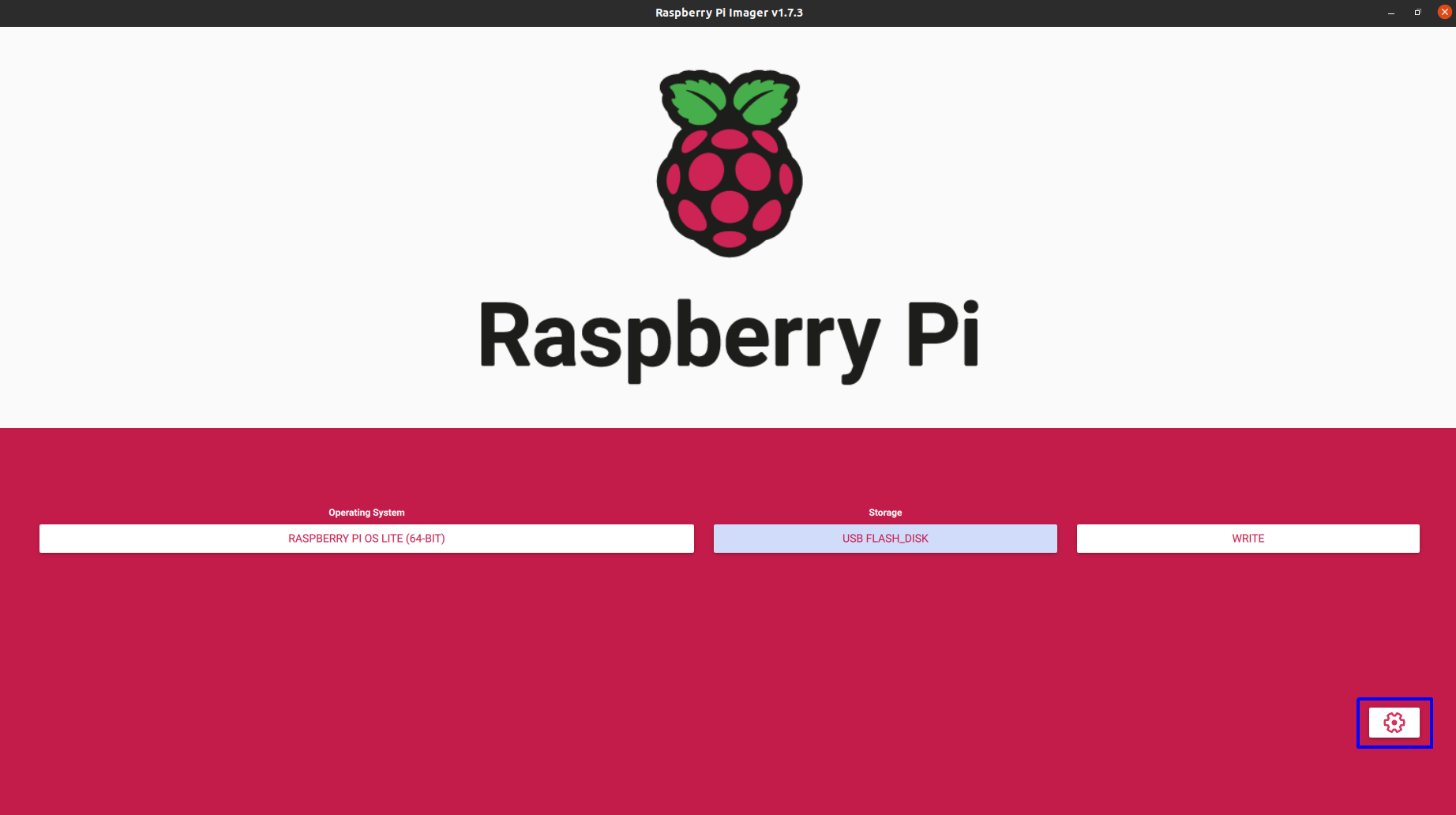
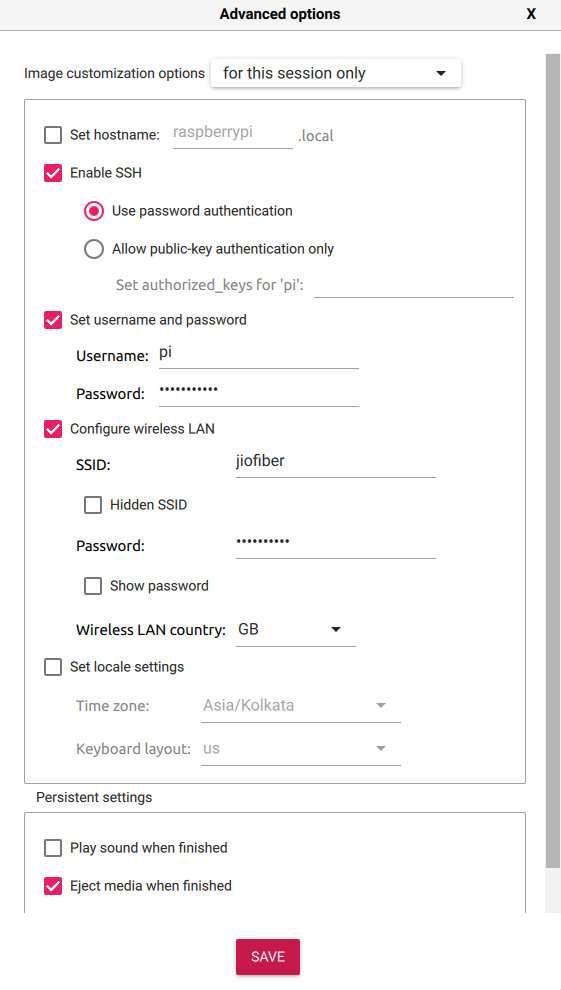
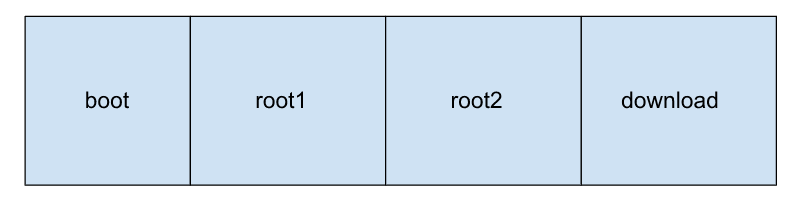
Partition Schema
The SD Card is now setup to contain 4 partitions.- Partition 1 - Boot partition (/dev/mmcblk0p1)
- Partition 2 - Root partition 1 (/dev/mmcblk0p2)
- Partition 3 - Root partition 2 (/dev/mmcblk0p3)
- Partition 4 - Download partition (/dev/mmcblk0p4)